AI website builder · Online stores
AI online store builder for a small catalogue
Describe what you sell and Website Maker builds the storefront: a product grid with filters, product pages, a cart and a checkout form, or start from the Online Store template. Brainbaby does not process payments, so connect and test a payment provider before you take a real order.
Or start from an example:
How it works
List what you sell
Name the categories, a few real products with prices and what makes them different. Say how you deliver: shipping, pickup or download.
Generate the storefront
Website Maker builds the product grid, product pages, cart and checkout form. Check that each product shows the facts a buyer needs.
Connect payments, then sell
Connect a payment provider and test a full order in its test mode. Until then, keep a visible notice that the shop is not taking orders.
What an online store needs
A clear catalogue
Categories, filters and search sized to your catalogue. Ten products need a simple grid; a hundred need filters that match how people shop.
Product pages that answer questions
Photos, price, sizes or options, materials, delivery time and returns. Missing details are the most common reason people do not buy.
Cart and checkout
A cart that shows totals and delivery costs, and a checkout that asks only for what you need to fulfil the order.
Payments
Taking money needs a payment provider. Connect it in the project code and test successful, failed and refunded payments before launch.
Policies and contact
Shipping, returns, privacy and an easy way to reach you. Many buyers check these before their first order.
What the builder does and does not do
Storefront and cart interface
The Online Store template asks for a product grid with prices, category filters, a product detail view, a cart sidebar, a checkout form and search.
Stock and orders need a database
Showing stock is easy; keeping it correct needs a database. Connect a Supabase project you own if you want orders and inventory stored.
No payment processing
Brainbaby does not process payments for your store. A provider handles cards, tax and fraud checks once you connect it.
Hosted platforms still have a place
If you need payments, tax, shipping labels and order management on day one, a hosted commerce platform gives you that out of the box.
Online store prompts
The first is the one-click template from Website Maker. The others keep the scope small enough to test properly. Choose one to fill the box above.
Online store
One-click template in the builder: Online Store (Website Maker)
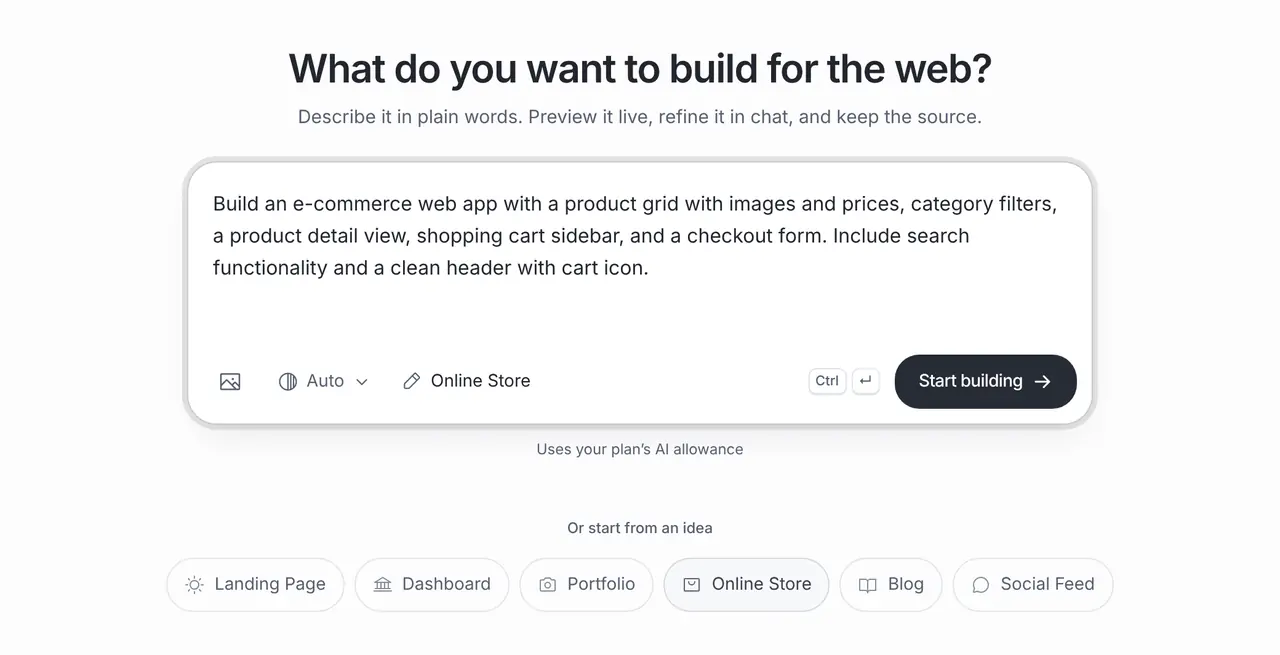
Build an e-commerce web app with a product grid with images and prices, category filters, a product detail view, shopping cart sidebar, and a checkout form. Include search functionality and a clean header with cart icon.
Ceramics studio shop
A small online shop for a ceramics studio with 12 products: a product grid with category filters, product pages with photos and care notes, a cart, and an order request form that stays in demo mode until an email service is connected. Prices are placeholders.
Digital art prints
A storefront for digital art prints sold as downloads: a product grid, preview images, licence information, a cart and a checkout page ready to connect to a payment provider. Show a clear test-mode banner until payments are connected.
What it costs
App Builder and Website Maker are included from the Pro plan, $20 a month at the global reference price; regional prices can differ. Each build and each change uses the same plan allowance as chat, and the builder shows what is left before you start. Apple, Google, Expo and GitHub bill their own accounts separately.
Frequently asked questions
Can I take payments?
Not through Brainbaby. The builder creates the storefront and checkout form; you connect a payment provider in the project code and test it before taking real orders.
Can it manage stock and orders?
The interface can show stock and order screens. Keeping them correct needs a database, such as a Supabase project you connect, plus testing of every order step.
Should I use this or a hosted shop platform?
Use Website Maker for a custom storefront, a small catalogue or a prototype you fully control. If you need payments, tax and shipping tools ready on day one, a hosted commerce platform is the faster route.
Can I sell digital downloads?
You can build the storefront and download pages. Delivering files only to paying customers needs a payment provider and storage that checks the purchase.