AI website builder · Portfolios
AI portfolio website builder for designers, makers and freelancers
Your portfolio should show your best work fast and make it easy to hire you. Describe the kind of work you do and the projects you want to feature, or start from the Portfolio template in Website Maker. Replace the placeholders with your own work, refine the layout in chat and publish a link to share with clients.
Or start from an example:
How it works
Choose your best six
List the projects you want to be hired for, not everything you have made. Note the client, your role and the result for each one.
Generate the layout
Website Maker builds the gallery, project pages, about and contact sections. Check how the gallery reads on a phone first.
Add your work and publish
Swap the placeholder images and text for your own, then publish a public link for applications, proposals and your social profiles.
What a portfolio site needs
Selected work first
A grid of your strongest projects at the top, each with a title, a short line on what you did and one image that reads at thumbnail size.
Case-study pages
For each project: the brief, your process and the outcome. Two or three paragraphs and a few images say more than a long gallery.
About and services
Who you are, what you take on and how you work. Clients scan for the service they need, so name it plainly.
An easy way to hire you
An email link or a contact form that really arrives, plus your availability. Put it in the header and at the end of every case study.
Images that load quickly
Compress and size your images before you add them. A slow gallery loses visitors on mobile data.
Make it yours
Describe the style
Ask for a minimal grid, a full-bleed gallery or an editorial layout, and attach reference images of portfolios you like.
Your own work only
Replace every placeholder image and project before you publish. Show client work only where you are allowed to.
Edit in plain words
Ask for changes such as “make the gallery two columns on phones” or “add a services section after the projects”.
Keep the source
Download the site or push it to GitHub if you want to host it yourself or keep editing the code.
Portfolio prompts
The first is the one-click template from Website Maker. The others are tailored to a kind of creative work. Choose one to fill the box above.
Creative portfolio
One-click template in the builder: Portfolio (Website Maker)
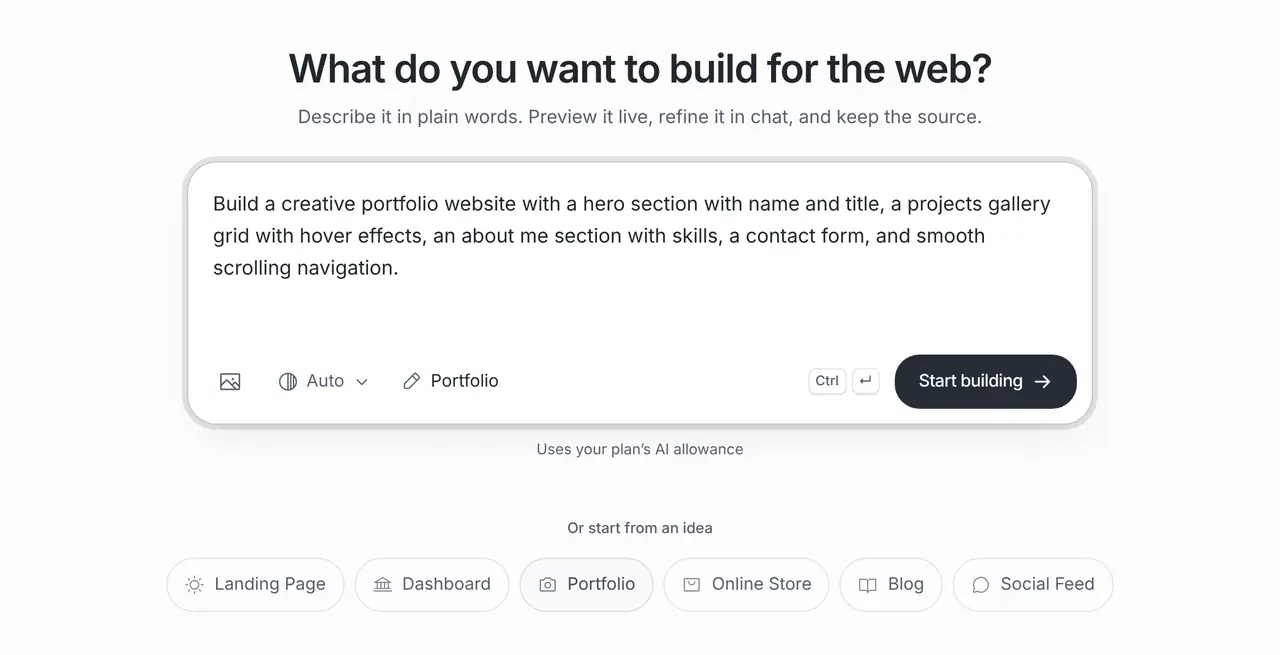
Build a creative portfolio website with a hero section with name and title, a projects gallery grid with hover effects, an about me section with skills, a contact form, and smooth scrolling navigation.
Brand designer case studies
A portfolio for a freelance brand designer: a grid of six projects, each opening a case-study page with challenge, process and outcome sections, an about section, services and a contact section with an email link. Use neutral placeholders for project images.
Children’s book illustrator
A portfolio for a children’s book illustrator: a full-width gallery, a page for each book, commission information with a placeholder price, and a newsletter sign-up kept in demo mode until an email service is connected.
What it costs
App Builder and Website Maker are included from the Pro plan, $20 a month at the global reference price; regional prices can differ. Each build and each change uses the same plan allowance as chat, and the builder shows what is left before you start. Apple, Google, Expo and GitHub bill their own accounts separately.
Frequently asked questions
How do I add my own work?
Replace the placeholder images and text before you publish. Ask in chat to swap a project’s content, or edit the files in the project source if you prefer.
Can clients contact me through the portfolio?
Yes, with an email link straight away. A contact form needs a service that receives the messages; connect one and test it before you rely on it.
Can I share it before I have a domain?
Yes. Every published site has a public brainbaby.ai/site-preview link you can share in proposals and profiles. When you have a domain, connect it on a paid plan with a CNAME and a TXT record.
Will the AI make up projects or clients?
It may add placeholders so the layout looks complete. Remove anything that is not your real work before you share the link.