No code app builder · Restaurant ordering
Restaurant ordering app builder, no code
Let customers browse your menu, choose options and order ahead. Describe your restaurant and how orders reach the kitchen, or start from the Food Delivery template in the App Builder. Preview the app in a phone frame, then connect the services that take payments and store orders.
Or start from an example:
How it works
Describe the order flow
Pickup, delivery or table orders? Write the menu categories, the options for each item and what the customer sees after ordering.
Order something in the preview
Add items with options, change the cart, pick a time and check the confirmation. Fix one step at a time in chat.
Connect the real services
Payments, order storage and kitchen notifications need services you connect and test before the first real customer.
What a restaurant ordering app needs
Menu by category
Categories, photos, prices and short descriptions, with sold-out states. Keep it as easy to scan as a printed menu.
Item options
Sizes, extras and removals with prices, plus allergen notes. Options are where most ordering mistakes happen.
Cart and notes
Quantities, a running total and a note for the kitchen. Show fees and taxes before checkout, not after.
Pickup or delivery time
Available time slots based on opening hours, and a clear message when the kitchen is closed.
Order status
Received, preparing and ready. Live updates need a backend; start with a confirmation screen if you do not have one yet.
Payments, orders and the kitchen
Payments are separate
Brainbaby does not process payments. Connect a payment provider and test successful and failed payments before launch.
Store orders somewhere real
Connect a Supabase project you own so orders are saved and the kitchen can see them, with access rules set before launch.
Point-of-sale systems
Sending orders to your till is possible only if your system offers an API. The builder can write the integration; you supply the access and test it.
A website as well
Many customers will not install an app for one order. A menu website with a pickup link may be the better first step.
Restaurant ordering prompts
The first is the one-click template from the App Builder, built for a multi-restaurant delivery app. The others are for a single restaurant. Choose one to fill the box above.
Food delivery
One-click template in the builder: Food Delivery (App Builder, Mobile App)
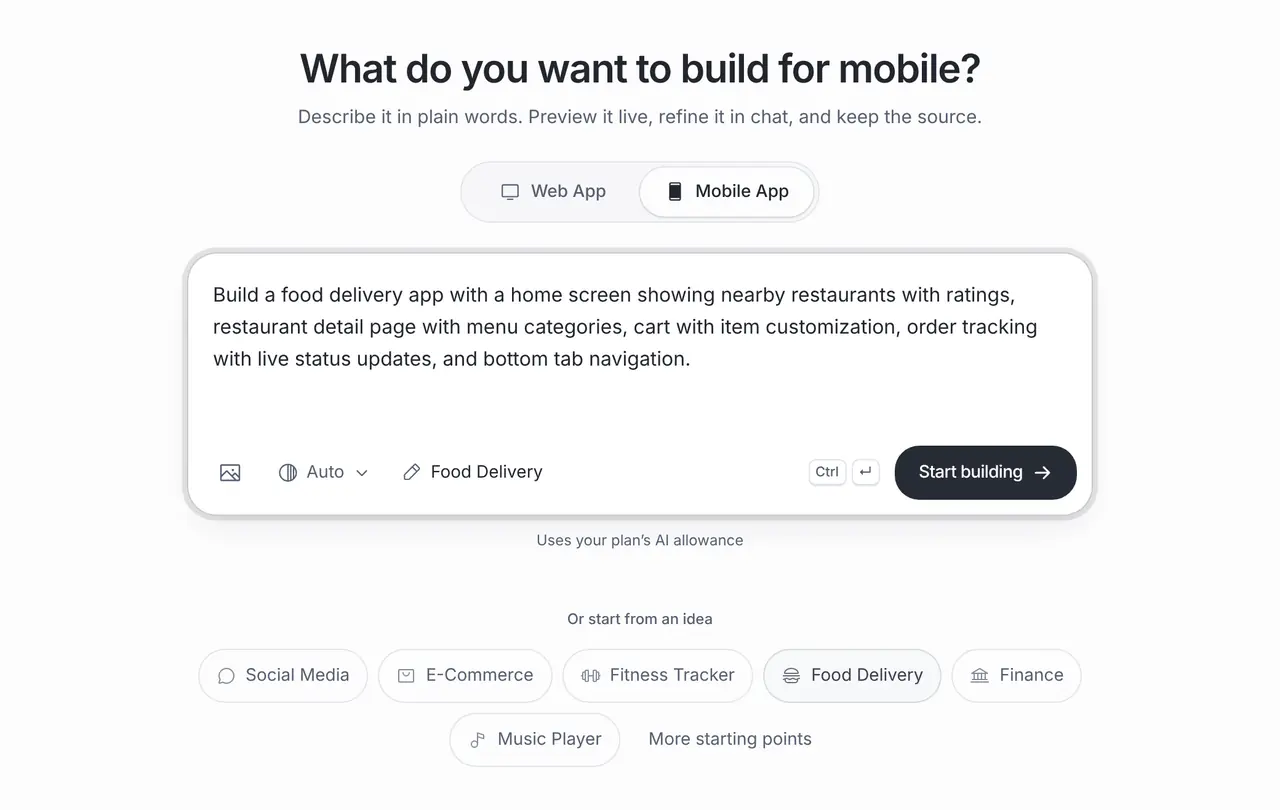
Build a food delivery app with a home screen showing nearby restaurants with ratings, restaurant detail page with menu categories, cart with item customization, order tracking with live status updates, and bottom tab navigation.
Pizza pickup
A pickup ordering app for one pizza restaurant: the menu by category, item options for size and extra toppings with prices, allergen notes, a cart with special instructions, a pickup time picker and an order confirmation screen. Payment is a placeholder screen until a provider is connected.
Office coffee pre-order
A web app where office customers pre-order coffee for a set pickup time: the menu with milk and size options, a cart, and a screen staff use to mark orders ready. Store orders in my connected Supabase project.
What it costs
App Builder and Website Maker are included from the Pro plan, $20 a month at the global reference price; regional prices can differ. Each build and each change uses the same plan allowance as chat, and the builder shows what is left before you start. Apple, Google, Expo and GitHub bill their own accounts separately.
Frequently asked questions
Can customers pay in the app?
Once you connect a payment provider. The builder can create the checkout screens and integration code; the provider processes the payment and you test it before launch.
Can the kitchen see new orders?
Yes, if orders are saved to a backend such as a Supabase project you connect. Build a simple staff screen first and test it during a quiet shift.
Do I need an app or a website?
For regulars who order often, an app can help. For new customers, a mobile-friendly menu website with ordering is easier to reach. You can build either with Brainbaby.
Can it connect to my till or delivery platform?
Only where that system offers an API you are allowed to use. Ask for the integration, add your credentials safely and test it before relying on it.