AI website builder · Landing pages
AI landing page builder for one clear action
A landing page has one job: get the right visitor to take one action. Describe the offer, the audience and that action, or start from the Landing Page template in Website Maker. Review the generated page, tighten the copy in chat and publish it to a public link for your ad, launch post or email.
Or start from an example:
How it works
Name the one action
Decide what a visitor should do: join a waitlist, book a call, buy or download. Every section of the page should lead there.
Generate and read it as a visitor
Website Maker builds the page with a live preview. Read the headline first: can someone tell what you offer and for whom in five seconds?
Publish and test headlines
Publish to a public link, send traffic, and publish updated headlines or offers to the same address as you learn what works.
Sections a landing page needs
Ask for these in your brief and leave out anything you cannot back up yet.
A hero with one promise
A headline that says what you offer and for whom, one supporting sentence and one primary button above the fold on phones.
Benefits, not a feature dump
Three to six benefits, each tied to something the visitor can picture. Keep each to a short heading and one or two lines.
Proof you can stand behind
Logos, numbers or quotes only when they are real and you may use them. Leave the section out rather than letting placeholders go live.
Pricing or the next step
A simple price table, or a plain description of what happens after the click: a call, a demo, an email with the download.
Questions and a closing button
Answer the objections people raise before they act, then repeat the main call to action at the end of the page.
What Website Maker gives you for a launch
The template brief, ready to edit
The Landing Page template asks for a hero, a feature grid, a three-tier pricing table, testimonials and a footer. Edit it before you build, for example remove testimonials until you have real ones.
One link for ads and posts
Publish to a public Brainbaby link and use it as the destination of an ad, a newsletter or a launch post. Publishing again updates the same address.
Sign-ups that really arrive
A waitlist or contact form needs a service that stores or emails submissions, such as a Supabase project you connect. Keep the form clearly in demo mode until you have tested it.
Source you can take with you
Download the page’s source or push it to GitHub if you later host it elsewhere or hand it to a developer.
Landing page prompts
The first is the one-click template from Website Maker. The others show how much a specific brief changes the result. Choose one to fill the box above.
SaaS landing page
One-click template in the builder: Landing Page (Website Maker)
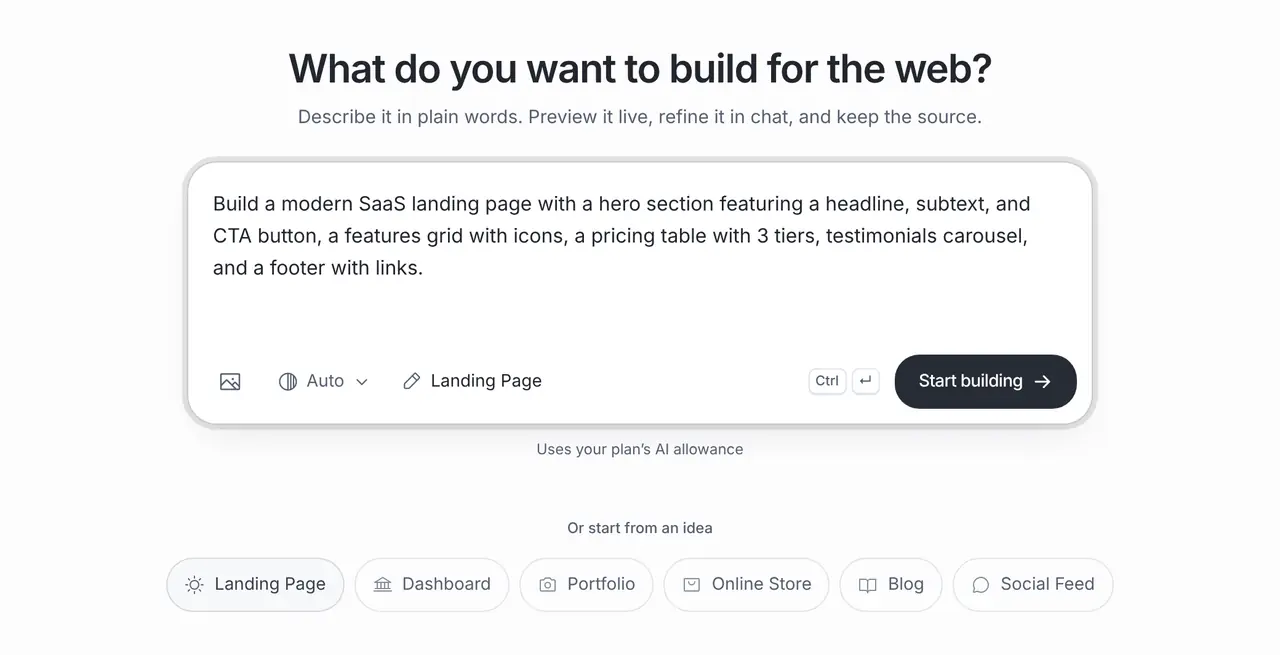
Build a modern SaaS landing page with a hero section featuring a headline, subtext, and CTA button, a features grid with icons, a pricing table with 3 tiers, testimonials carousel, and a footer with links.
Waitlist before launch
A landing page to collect a waitlist for a meal-prep delivery service launching in Austin: headline, three benefits, how it works in three steps, a waitlist form kept in demo mode until an email service is connected, and an FAQ. No testimonials or numbers yet.
One-day workshop
A landing page for a one-day ceramics workshop on 14 March: what you will make, the schedule, what is included, the price as a placeholder, a map link to the venue and a register button that opens my booking page.
What it costs
App Builder and Website Maker are included from the Pro plan, $20 a month at the global reference price; regional prices can differ. Each build and each change uses the same plan allowance as chat, and the builder shows what is left before you start. Apple, Google, Expo and GitHub bill their own accounts separately.
Frequently asked questions
Can AI build a landing page that converts?
It can draft the structure and copy so you can launch and test quickly. Conversion depends on your offer, audience and traffic, so test headlines and the call to action instead of treating the first version as final.
Can I collect sign-ups or leads?
The builder can add a form, but submissions need somewhere to go, such as a Supabase project you connect or an email form service. Keep the form in demo mode until you have tested that entries arrive.
Can I use the page for ads?
Yes. Publish it to a public link and use that link as the ad’s destination. Check the ad platform’s landing page rules and add a privacy notice if you collect personal data.
How is this different from a website?
A landing page focuses on one offer and one action, usually on a single page. For a business site with several sections, a menu and contact details, start from the AI website builder instead.