AI presentation maker for work and study
Turn your brief and source notes into a slide deck. Review the content, edit the slides, and export PowerPoint or PDF. Download a free editable starter or prepare an outline; sign in and check your allowance before generating with AI.
See a real Brainbaby presentation
Browse four slides made in Brainbaby, then download the actual PDF or editable PowerPoint export. No account is needed.
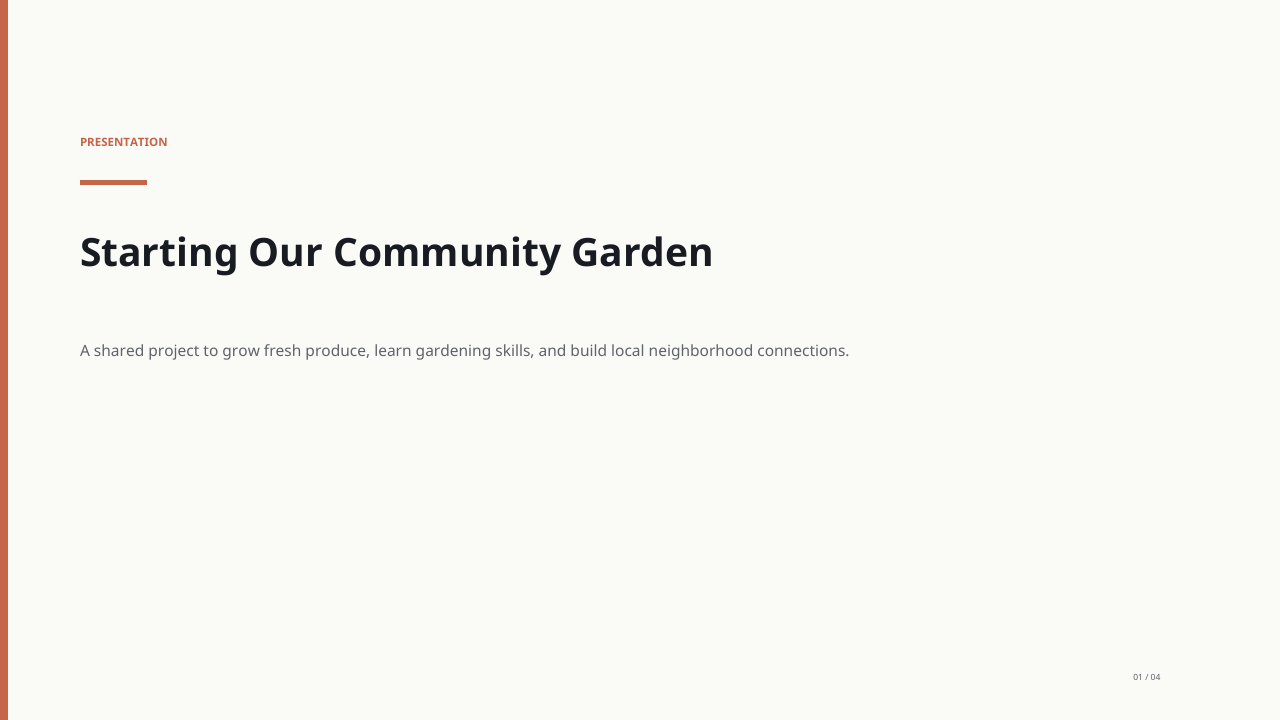
Download the example PDF Download editable PowerPoint
Read the original request and review notes
Create a four-slide presentation about organizing a small community garden. Cover the goal, three volunteer roles, a simple weekly plan, and next steps. Keep the text concise; do not invent statistics or browse connected apps.Generated in Brainbaby on October 2, 2026, with one body-text edit saved that day. Reopened and exported on October 17, 2026. These previews show the PDF export; PowerPoint layout can differ.
This is a fictional community-garden example. The Friday and Saturday references are proposed wording, not confirmed events. Replace the schedule and review the content before using it.
Previewing and downloading this example are free. To generate your own deck, sign in and review your available allowance and the displayed quote.
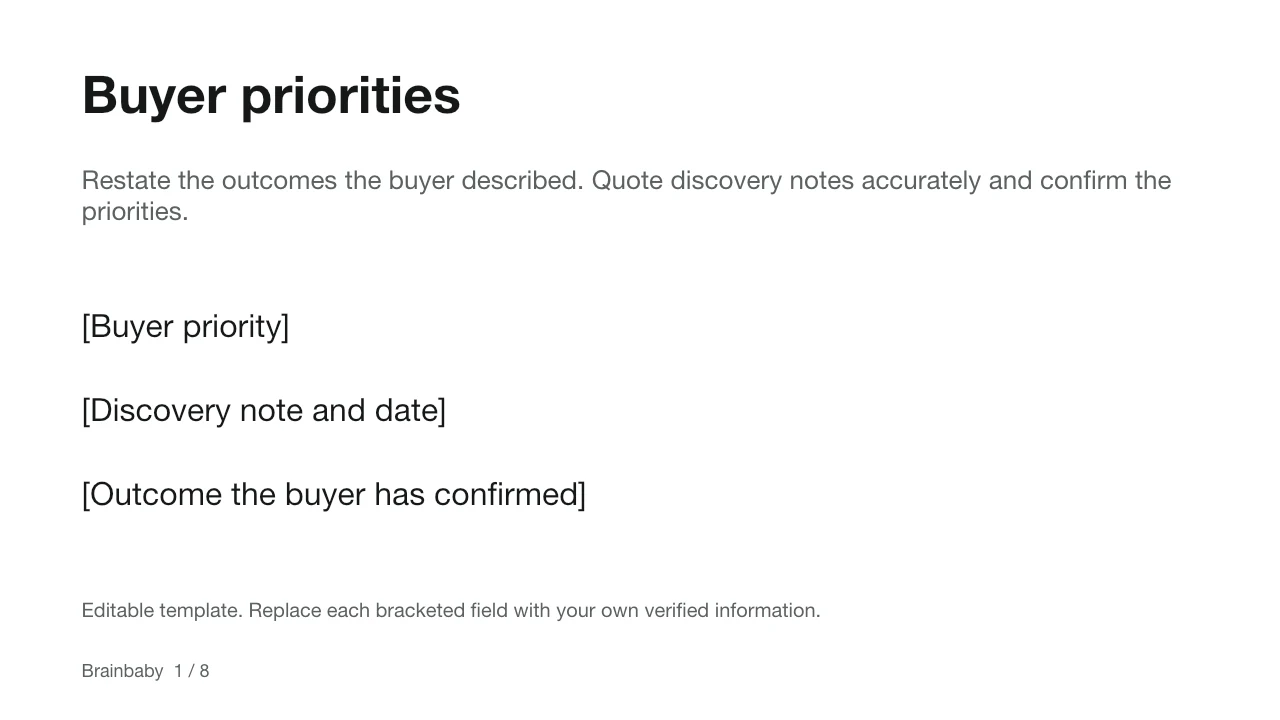
Free editable PowerPoint starter
A real .pptx file for a sales proposal with editable text, tables and bracketed fields for your own information.
8 slides · 16:9 · PowerPoint (.pptx)
No account needed. Replace placeholders with verified facts; no prices or results are supplied. AI generation in Brainbaby requires sign-in and your available allowance.
Plan a six-slide presentation for free
Add your topic, audience, goal and source notes to prepare an editable outline. This planner organizes your brief in this tab; it does not generate slides or spend credits. Sign in to review the brief in the presentation workspace before generating a deck.
Check the facts and sources, replace missing information, and choose the output language before generating. Generation, editing and exports use the allowance shown in your account.
Topic and outcome
Introduce the topic and the decision or learning outcome for the audience.
Context
Explain the current situation using the source notes. Mark missing background as a placeholder.
Evidence
Use only supplied facts, figures or examples, with their sources. Leave unknown figures blank.
Options and trade-offs
Compare the relevant approaches or interpretations. State assumptions and unresolved questions.
Recommendation or takeaway
Connect the proposed conclusion to the evidence; distinguish an opinion from a verified fact.
Next steps and sources
End with a clear action or discussion question and the sources that need checking.
How it works
Prepare your brief
State the audience, purpose and slide count. Supply your facts and source notes. Mark missing figures as placeholders instead of asking the AI to guess.
Generate and review
Brainbaby drafts the deck from your request. Check the argument, sources, figures and layouts. Generation time varies with the request and the service; review is still part of the job.
Edit and export
Edit the slides in the workspace, then export an editable PowerPoint file or a PDF. Open the exported file and check fonts, images, line breaks and source notes before sharing it.
A worked brief: an eight-slide sales proposal
Here is a fictional café catering example. It defines the decision and the evidence to supply before asking for slides. It is an illustrative brief, not a completed customer deck.
Before presenting, compare the deck with the approved menu and quote. Check totals and dates, remove invented testimonials, and make the trial-lunch decision explicit. Use the complete sales-proposal template if you need a slide-by-slide outline.
An illustrative sales proposal brief
Create an eight-slide sales proposal for [café name]. Audience: the office manager choosing a catering supplier. Goal: decide whether to book a trial lunch. Use these slides: buyer priorities; current lunch arrangement; proposed menu; delivery process; verified customer evidence; price and scope; rollout plan; next decision. Source notes: [approved menu, confirmed price, delivery area and dates]. Keep unknown costs and testimonials as placeholders. Do not invent metrics, quotations or sources. Use short titles, one main point per slide, and readable colors and fonts.
Presentation features
Start from your material
Supply a topic, audience and verified notes rather than an unsupported claim.
Review slide layouts
Check titles, bullet points, charts, quotations and visual hierarchy in the generated deck.
Adjust the presentation design
Review colors and fonts for your brand and keep enough contrast for the screen your audience will use.
Export PowerPoint or PDF
Download an editable PowerPoint deck or a PDF, then verify the exported file.
Frequently asked questions
Can I use Brainbaby for school assignments?
Use it to draft an outline, explain your topic and prepare slides from your notes. Follow your school’s AI rules, check sources and quotations, and review the argument yourself. Generated content is not automatically accurate or properly cited.
What types of pitch decks can I prepare?
You can request a seed, Series A, demo-day or investor-update deck. Supply verified customer, market and financial information. The free pitch-deck outline helps structure the problem, solution, evidence and funding request; it does not guarantee investment or a particular outcome.
Can I create presentations in my language?
Specify the language in your brief. Brainbaby has localized presentation guides, including Turkish, Brazilian Portuguese, Malay and Indonesian. Check translations, accents, right-to-left layout where applicable, and font rendering in both the workspace and the exported file.
How many slides should I request?
Choose the count for your audience and speaking time. State it in your brief and review the generated structure. An eight-slide sales proposal and a twelve-slide pitch deck have different jobs; there is no useful minimum that fits every presentation.
Can I export and edit the slides?
The current workspace includes slide editing and PowerPoint and PDF exports. A PowerPoint file is editable; a PDF is useful for reviewing or sharing a fixed layout. Open the output to check the result. Do not assume that export creates a native Google Slides document.
Can I use it for a business or board meeting?
Draft from information you are authorized to use. Check calculations, dates, sources and the decision each slide supports. Review brand colors and readable fonts. Avoid uploading confidential material until you have checked the applicable data policies and your organization’s requirements.
What can I do for free?
Download the eight-slide sales-proposal PowerPoint starter, or read, copy and download the presentation outlines without an account. The starter contains editable text, tables and placeholders for your facts; it is not an AI-generated deck. Preparing a brief is separate from generating slides. Sign in to see your available allowance before AI generation and editing.