No code app builder · Community apps
Community app builder without code
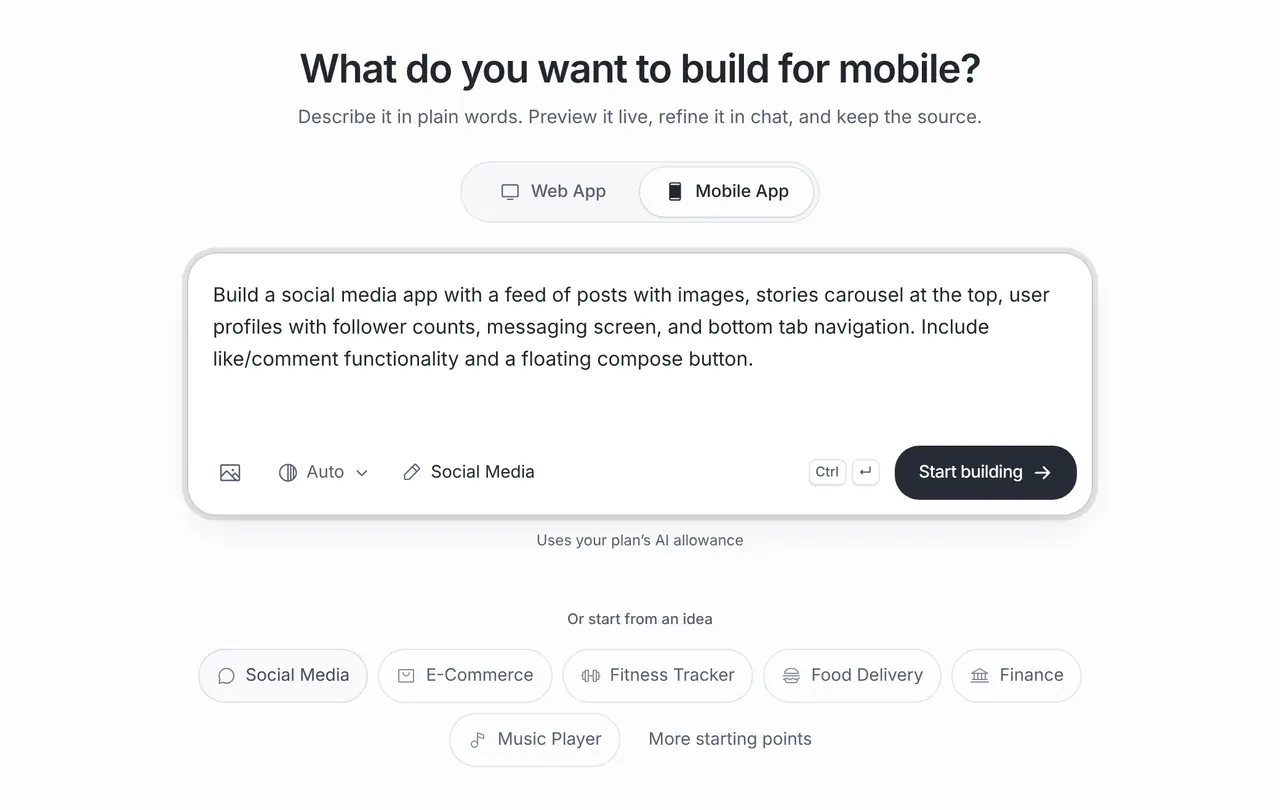
Give your club, association or customers a place of their own. Describe who joins and what they share, or start from the Social Media template in the App Builder. Brainbaby builds the profiles, feed, events and messages; you connect a database you own and set the rules before anyone signs up.
Or start from an example:
How it works
Describe the members and the rules
Who can join, what they can post and who moderates. Write the rules down before the screens; they decide the data you need.
Preview the feed and profiles
Post, comment and RSVP with sample data in the preview. Check empty states and what a new member sees first.
Connect sign-in and data
Connect a Supabase project you own for accounts and posts, set row-level security, and test with a few trusted members.
What a community app needs
Profiles
Name, photo and a short bio, with privacy settings members understand. Ask only for what the community needs.
Feed and comments
Posts with text and images, comments and reactions, newest first. Pin announcements from organisers.
Events
Dates, places, RSVP and reminders. Events are often the main reason members open the app.
Messages
Direct or group messages, with a way to block someone. Start without them if moderation is not ready.
Reporting and moderation
A report button on posts and profiles, and an organiser screen to review reports. Plan this before launch, not after.
Accounts, privacy and moderation
A database you own
Shared posts and accounts need a backend. Connect a Supabase project you own; managed databases are in a private pilot.
Access rules first
Set row-level security so members can only edit their own posts and see what they should. Test as a member and as an organiser.
Store rules for user content
Apple and Google expect apps with user posts to offer reporting, blocking and a way to remove content. Include them before you submit.
Web or mobile
A web app reaches members without an install; an iPhone and Android app can send reminders. The App Builder can make either.
Community app prompts
The first is the one-click template from the App Builder. The others describe a real group and its rules. Choose one to fill the box above.
Social media
One-click template in the builder: Social Media (App Builder, Mobile App)
Build a social media app with a feed of posts with images, stories carousel at the top, user profiles with follower counts, messaging screen, and bottom tab navigation. Include like/comment functionality and a floating compose button.
Neighbourhood association
A community app for a neighbourhood association: member sign-in, a noticeboard feed with photos, an events list with RSVP, a lost-and-found section and a report button on every post. Use my connected Supabase project for accounts and posts.
Alumni club
A members app for a university alumni club: a directory searchable by city and industry, events with RSVP, a jobs board and private messages. Start with sample data that is clearly marked as sample.
What it costs
App Builder and Website Maker are included from the Pro plan, $20 a month at the global reference price; regional prices can differ. Each build and each change uses the same plan allowance as chat, and the builder shows what is left before you start. Apple, Google, Expo and GitHub bill their own accounts separately.
Frequently asked questions
Can members sign in and post?
Yes, once you connect a backend for accounts and posts, such as a Supabase project you own. Set its access rules and test them before inviting members.
How do I moderate the community?
Ask for a report button, blocking and an organiser review screen. Decide who moderates and how quickly, and write the rules where members can read them.
Can I publish it to the App Store?
Yes, through your own developer account. Apps with user-generated content must offer reporting and blocking; approval is Apple’s and Google’s decision.
Is a web app enough?
Often, yes. A web app is easier to share with a link. Choose a mobile app when members need reminders or use it every day.