No code app builder · Internal tools
No code internal tool builder for small teams
Replace the spreadsheet everyone edits differently with a small tool that does one job. Describe the checklist, tracker or dashboard your team needs, or start from the Dashboard template in the App Builder. Try the real checklist below first: it was built with Brainbaby and exported unchanged.
Or start from an example:
How it works
Pick the one job
Opening checklist, stock count, request log or weekly numbers. A tool that does one job well gets used; a mini ERP does not.
Build it with sample data
Generate a web or mobile version and try it with realistic sample rows. Ask for the columns, filters and buttons your team actually uses.
Add sign-in, then share
Before real data goes in, connect a backend with sign-in. A published link is public, so never put private data behind it without access control.
Internal tools small teams build first
Checklists
Opening and closing routines, onboarding steps, safety checks. Progress, reset and who did what.
Trackers
Stock levels, equipment, requests or leads in one list with status, owner and due date.
Dashboards
Cards and charts for the few numbers you review every week, from data you enter or connect.
Admin screens
Add, edit and archive records with validation, so the data stays clean when several people use it.
Simple approvals
A request, an approver and a status. Start with a list and add notifications once the flow is right.
Data and access
Start in the browser
A first version can keep data in the browser, like the checklist example. That is fine for trying the flow, not for team data.
Connect a database you own
For shared records, connect a Supabase project with its URL and publishable key, and set row-level security before anyone adds real data.
Keep it private
Published links are public. Add sign-in and access rules first, or keep the tool to your own browser until they are in place.
Your code, your repository
Push the project to your team’s GitHub so someone technical can review, extend or host it later.
Internal tool prompts
The first is the one-click template from the App Builder. The others are real small-team jobs. Choose one to fill the box above.
Admin dashboard
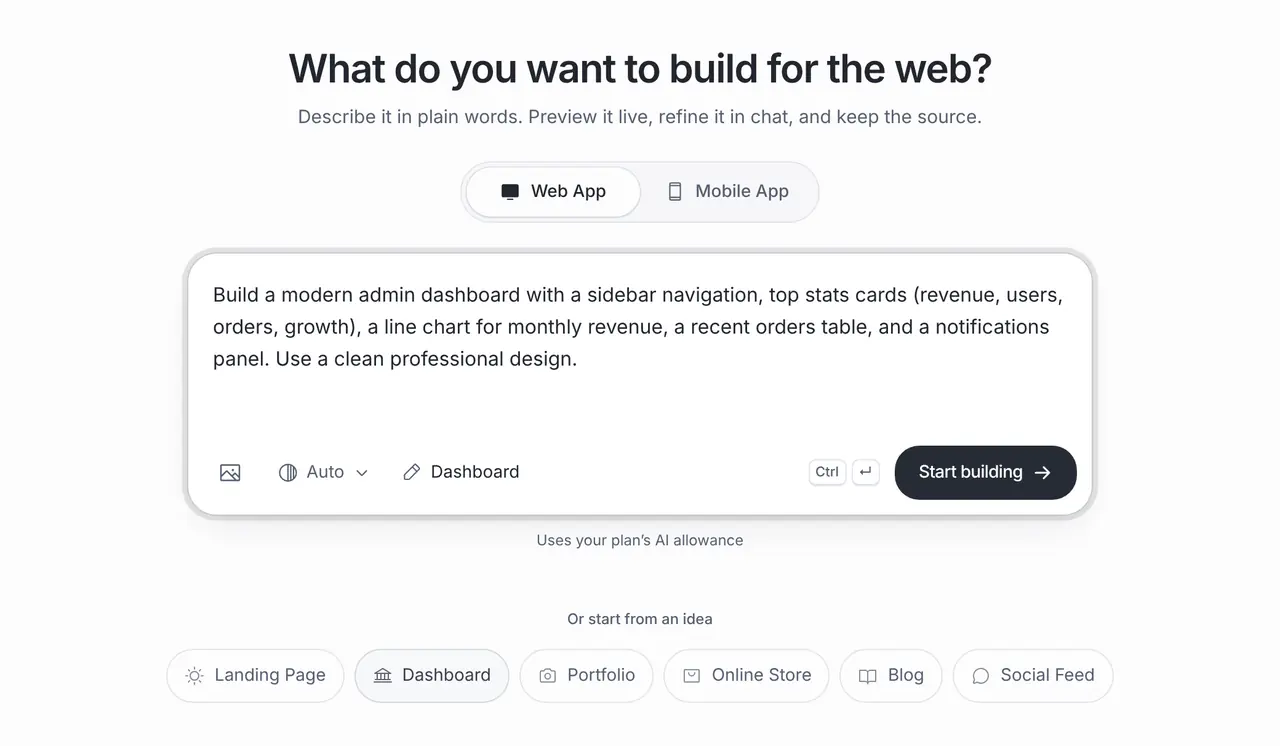
One-click template in the builder: Dashboard (App Builder, Web App)
Build a modern admin dashboard with a sidebar navigation, top stats cards (revenue, users, orders, growth), a line chart for monthly revenue, a recent orders table, and a notifications panel. Use a clean professional design.
Café stock tracker
An internal stock tracker for a small café: items with quantities and units, a low-stock list, a weekly order checklist and a history of changes. Keep data in this browser for now and show that it is not shared.
Staff onboarding checklist
An onboarding checklist web app for new café staff: tasks grouped by first day, first week and first month, a progress bar, a note for each task and a reset button. Store progress in the browser for now.
A real app built with Brainbaby
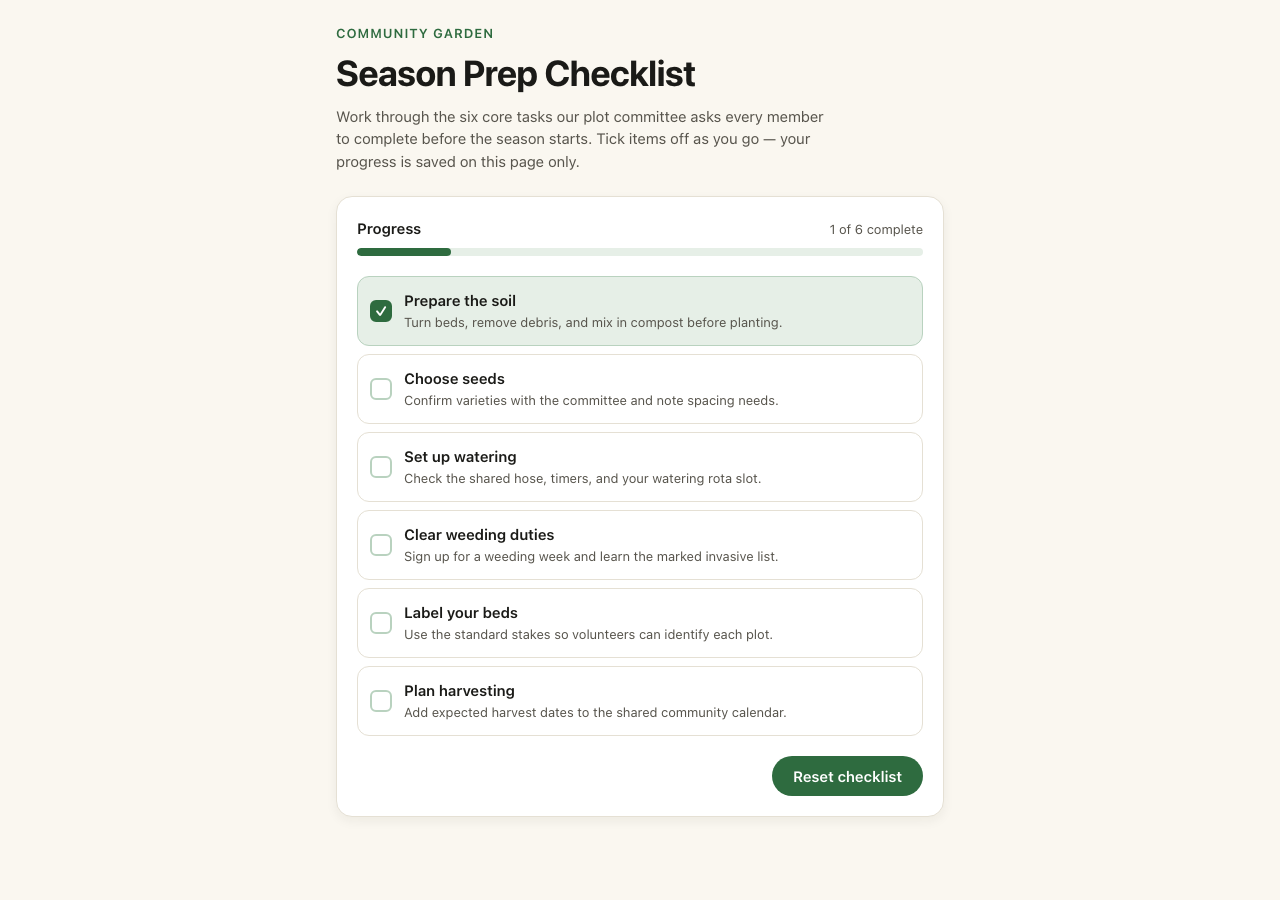
This community garden checklist was generated in Brainbaby from the brief in its source, exported and published unchanged. Tick the six tasks, reset them, and download the original 13-file project.
This is a small frontend-only example. Progress lasts until the page is reloaded; there is no account, database or external service. It demonstrates a working interaction and source export, not a production backend or native app.
The original brief
Build a small responsive community garden checklist demo. Use a warm white background, black text and restrained green accents. Include a clear heading, a short introduction, and six accessible checkboxes for preparing soil, choosing seeds, watering, weeding, labeling beds and harvesting. Include a reset button. Use local component state only, no authentication, external services, photos, email collection or backend. Keep it simple and working on mobile.
Get runnable source & guide. The GitHub example keeps the app code and updates its build tooling. Use that folder to run it locally; the original export ZIP is retained for comparison.
What it costs
App Builder and Website Maker are included from the Pro plan, $20 a month at the global reference price; regional prices can differ. Each build and each change uses the same plan allowance as chat, and the builder shows what is left before you start. Apple, Google, Expo and GitHub bill their own accounts separately.
Frequently asked questions
What counts as an internal tool?
Any small app your team uses to get work done: checklists, trackers, dashboards, admin screens and approval flows. They replace shared spreadsheets and paper lists.
Where is the data stored?
In the browser for a first version, like the checklist example. For data the whole team shares, connect a Supabase project you own and set its access rules.
Can I keep the tool private?
A published link is public. Add sign-in and access rules through your backend before you put real data in, or keep using the tool only in your own browser.
Can it connect to our spreadsheet or other tools?
The builder can write code that calls another tool’s API when that tool offers one. You supply the access and test it; there are no ready-made connectors for each service.