No code app builder · Fitness apps
Fitness app builder: make a workout app without code
Describe the training you want people to log, or start from the Fitness Tracker template in the App Builder. Brainbaby builds a React Native and Expo app for iPhone and Android with a dashboard, workout log and progress charts that you preview in a phone frame and refine in chat.
Or start from an example:
How it works
Describe one training routine
Who trains, what they log after each set and what progress they want to see. Start with one routine before plans, coaching and social features.
Preview it in a phone frame
Log a fake workout in the preview: add sets, change weights, finish the session and check the charts update.
Test on a device, then release
Run it on your phone, then download the store-ready project when you are ready for TestFlight or Google Play.
Screens a fitness app needs
Today
The session or goal for today, streaks and a single button to start. This is the screen people open most.
Workout log
Exercises with sets, reps, weight or time, and a rest timer. Make logging a set one or two taps with large controls.
Progress
Charts for volume, personal bests or minutes per week, with a clear empty state before the first workout.
Plans and routines
Saved routines people can repeat, and later programmes from a coach. Keep editing simple on a small screen.
Settings and units
Kilograms or pounds, reminder times and data export. Small settings prevent the most common support requests.
Health data, accounts and the stores
Steps and heart rate
Reading Apple Health or Google Health Connect data needs native permissions and testing on a real device. Ask for it explicitly and test it before you promise it.
Accounts and sync
A single-device log can stay on the phone. To sync across devices or share with a coach, connect a Supabase project you own.
Subscriptions
Charging for plans inside the app needs in-app purchase products in each store and a purchase library. It is not set up automatically.
Store review
Download the store-ready Expo project and follow its release guide with your own developer accounts. Apple and Google review health claims and data use carefully, and approval is not guaranteed.
Fitness app prompts
The first is the one-click template from the App Builder. The others narrow it to a real audience. Choose one to fill the box above.
Fitness tracker
One-click template in the builder: Fitness Tracker (App Builder, Mobile App)
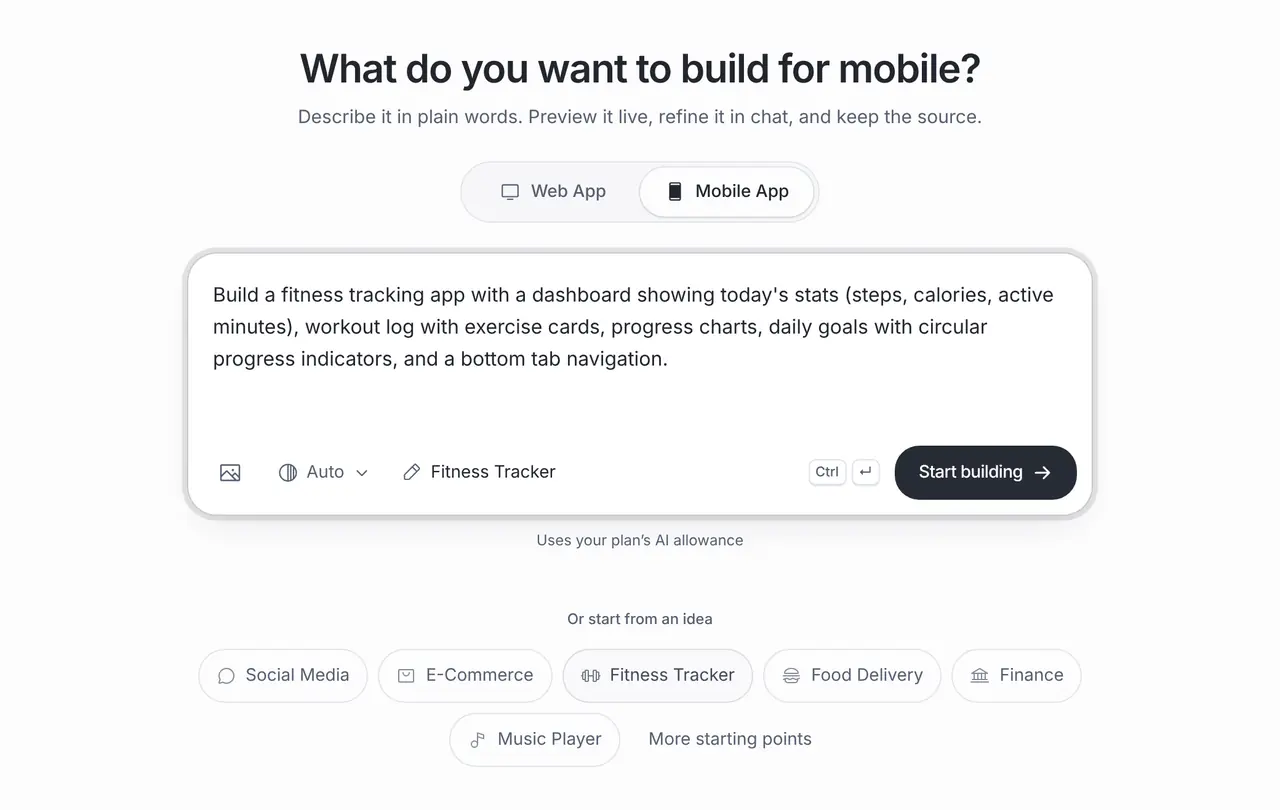
Build a fitness tracking app with a dashboard showing today's stats (steps, calories, active minutes), workout log with exercise cards, progress charts, daily goals with circular progress indicators, and a bottom tab navigation.
Personal trainer clients
A mobile app for a personal trainer’s clients: today’s assigned workout, logging sets and weights, a rest timer, a weekly progress chart and a button that emails the trainer. Data stays on the device for now.
Run club
A run club app: upcoming group runs with meeting points, RSVP, a simple run log with distance and time, and monthly totals. Mark sample runs clearly as sample data.
What it costs
App Builder and Website Maker are included from the Pro plan, $20 a month at the global reference price; regional prices can differ. Each build and each change uses the same plan allowance as chat, and the builder shows what is left before you start. Apple, Google, Expo and GitHub bill their own accounts separately.
Frequently asked questions
Can the app count steps or read Apple Health?
It can, but health data needs native permissions, careful privacy text and testing on a real device. Ask for the integration explicitly and verify it on iPhone and Android before you rely on it.
Can I sell subscriptions in the app?
Yes, with work outside the builder: create in-app purchase products in App Store Connect and Google Play and connect a purchase library. Test purchases in each store’s sandbox first.
Will it work on iPhone and Android?
The project is React Native with Expo, one codebase for both. Preview it in the builder and test on both kinds of phone before you release.
Where are workouts saved?
On the device unless you connect a backend. Connect a Supabase project you own to sync workouts across devices or share them with a coach.