Website template · Website Maker
SaaS landing page template
A focused page for a software product: one headline, the features that matter, a pricing table and a single call to action. Open it in Website Maker with the brief already written, swap in your product and plans, and publish it to a link for your launch post, newsletter or ads.
Free to browse. The prompt fills the builder’s composer after you sign in; nothing is built until you press Start, and building uses your plan allowance.
Who it’s for
- Founders launching a software product or a public beta
- Product marketers who need one page for a campaign or a new feature
- Indie developers selling a subscription tool
Sections included
Hero with headline and call to action
A headline, one line of supporting text and a primary button. Keep that button to a single action: start a trial, book a demo or join the beta.
Feature grid with icons
Three to six features, each with an icon, a short title and one sentence about the benefit rather than the mechanism.
Three-tier pricing table
Plan names, prices and what each tier includes, with the plan most customers should choose highlighted.
Testimonials carousel
Quotes from customers with names and roles. Leave it out until you have real, attributable quotes.
Footer with links
Product, company and legal links, plus a contact address, so visitors can check who is behind the product.
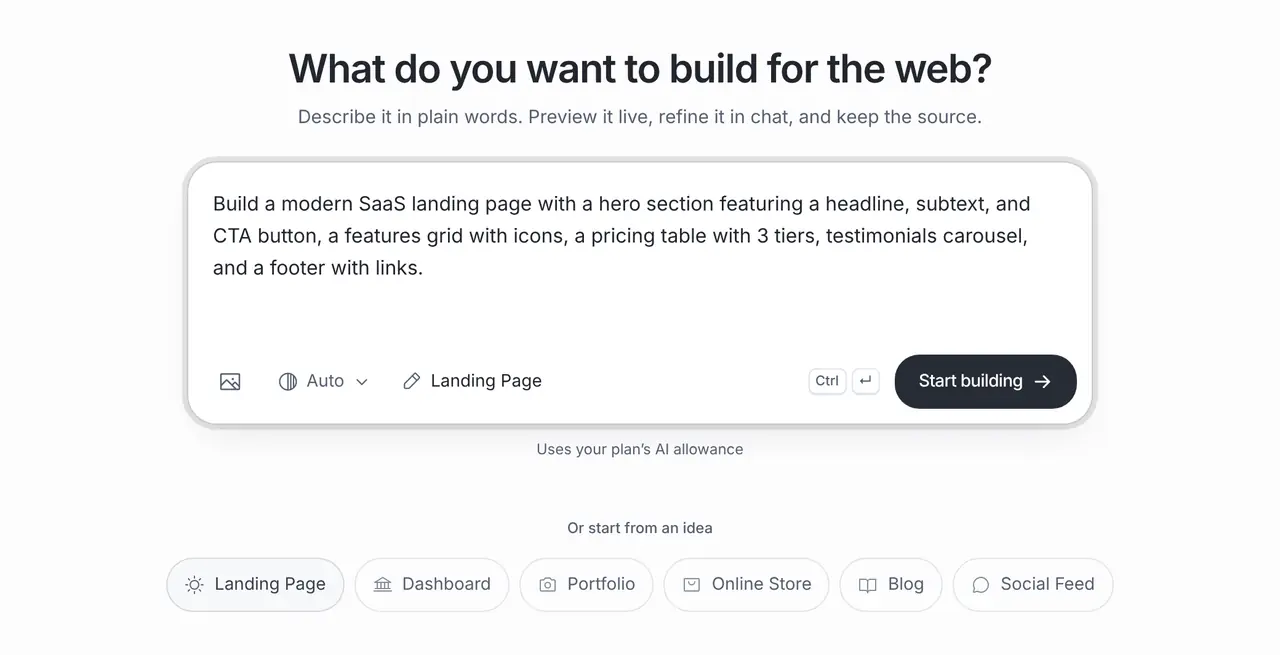
The starting prompt
This is the exact brief behind the one-click Landing Page template in Website Maker.
Build a modern SaaS landing page with a hero section featuring a headline, subtext, and CTA button, a features grid with icons, a pricing table with 3 tiers, testimonials carousel, and a footer with links.How to use this template
Open it in the builder
Press Use this template. The prompt opens in Website Maker’s composer, ready to edit; nothing is built until you press Start.
Make the brief yours
Name your product, say who it is for and list your real plans and prices, so the first version uses your words instead of placeholders.
Build, preview and refine
Website Maker builds the first version and shows a live preview. Ask for changes in chat, from new sections to colours and copy; each build and change uses your plan allowance.
Publish
Every published site gets a public brainbaby.ai/site-preview link anyone can open without an account; publish again to update it. On a paid plan you can connect your own domain: add a CNAME to sites.brainbaby.app and a TXT record to verify it, and HTTPS is set up automatically.
Customisation tips
Write the headline about the result
Visitors decide in seconds. A headline about what a customer gets (“Close the month in a day”) beats one about how the software works.
Match the pricing unit to your billing
If you charge per seat, per year or by usage, say so in the brief so the table shows the right unit and nobody is surprised at checkout.
Give every button the same goal
Ask for all calls to action to point at one signup or demo link. A second goal, such as a newsletter, splits attention on a launch page.
Add a short FAQ before launch
Ask in chat for three or four questions about trial length, cancellation and data handling. They answer objections the pricing table cannot.
Frequently asked questions
Is this the Landing Page template in Website Maker?
Yes. The prompt on this page is the exact brief behind the one-click Landing Page template. Using it here fills the same brief into Website Maker, where you can edit it before anything is built.
Can the signup button collect email addresses?
The page can include a form, but entries need somewhere to go. Point the button at the signup page your product already has, or ask for a form and connect a form service or a Supabase project you own.
Can I use the page as an ad destination?
Yes. Publish it and use the public link in your ad. Check that the page repeats the promise the ad makes and that any testimonial on it is real.