Web app template · App Builder
Admin dashboard template
A web app for watching a business at a glance: sidebar navigation, stat cards for revenue, users, orders and growth, a monthly revenue chart, a recent orders table and a notifications panel. Open it in the App Builder as a web app, then connect it to your own data.
Free to browse. The prompt fills the builder’s composer after you sign in; nothing is built until you press Start, and building uses your plan allowance.
Who it’s for
- Founders and operators who want one screen for their numbers
- Teams building an internal admin for their product
- Agencies creating reporting views for clients
Screens included
Sidebar navigation
Links to Overview, Orders, Customers, Products and Settings.
Stat cards
Revenue, users, orders and growth with change against the last period.
Revenue chart
A line chart of monthly revenue.
Recent orders table
Orders with customer, amount, status and date, sortable and searchable.
Notifications panel
Recent events such as new signups, refunds or low stock.
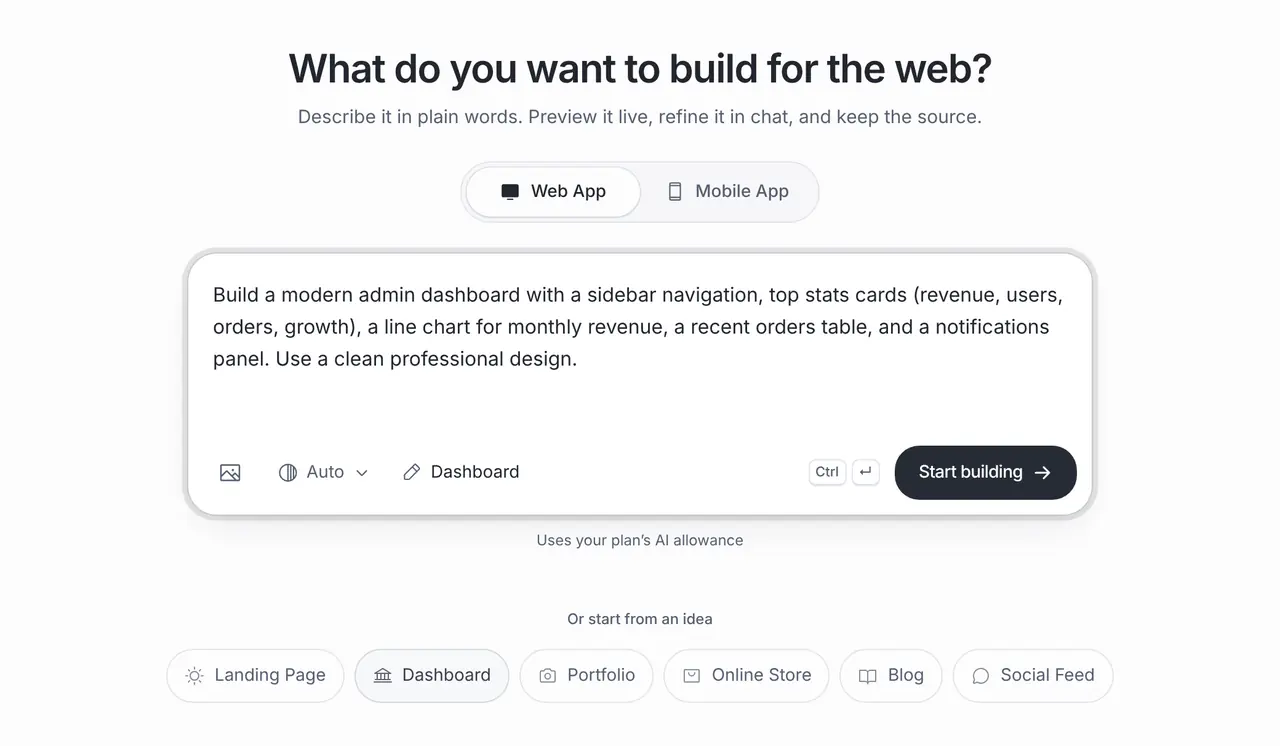
The starting prompt
This is the exact brief behind the one-click Dashboard template in App Builder (Web App).
Build a modern admin dashboard with a sidebar navigation, top stats cards (revenue, users, orders, growth), a line chart for monthly revenue, a recent orders table, and a notifications panel. Use a clean professional design.How to use this template
Open it in the builder
Press Use this template. The prompt opens in the App Builder’s composer, ready to edit; nothing is built until you press Start.
Make the brief yours
Replace the generic metrics with the four numbers you actually check every morning, and say where they come from.
Build, preview and refine
The App Builder generates a web app and shows a live preview. Ask for changes in chat; each build and change uses your plan allowance.
Publish or export
Publish to a public brainbaby.ai/site-preview link or download the code. A published link is public, so add sign-in before you put real data behind it.
Customisation tips
Choose metrics before charts
A dashboard is only as useful as its numbers. Decide what you need to know daily and design around that.
Connect real data
The template shows sample figures. Connect a Supabase project you own, or an API your tools provide, so the numbers are live.
Keep it behind sign-in
A published link is public. Add sign-in and access rules before showing real business data.
Make tables actionable
Ask for filters and a detail view on each order, so the dashboard is a place to act, not only to look.
Frequently asked questions
Can the dashboard read data from my tools?
If a tool offers an API, the builder can write code that calls it. You supply access and test it; there are no ready-made connectors for each service.
Can I keep the dashboard private?
A published link is public. Add sign-in and access rules through a backend such as Supabase before you put real data in.
Is this the Dashboard template in the App Builder?
Yes. The prompt on this page is the exact brief of the one-click Dashboard template for web apps.