Website template · Website Maker
Online store website template
A storefront for a small catalogue: a product grid with prices, category filters, product detail views, a cart sidebar and a checkout form. Website Maker builds the shop interface from the brief. Brainbaby does not process payments, so you connect and test a payment provider before taking a real order.
Free to browse. The prompt fills the builder’s composer after you sign in; nothing is built until you press Start, and building uses your plan allowance.
Who it’s for
- Makers and small brands selling a few dozen products
- Shops testing a new product line before moving to a full platform
- Creators selling prints, downloads or merchandise
Sections included
Header with search and cart icon
Your shop name, a search box and a cart icon that shows how many items are in the cart.
Product grid with images and prices
Product cards with a photo, name and price, laid out for both phones and desktops.
Category filters
Filters for your own categories, such as size, colour or collection, that narrow the grid without reloading the page.
Product detail view
A larger photo, a description, options and an Add to cart button.
Cart sidebar and checkout form
A cart that slides in with quantities and a total, then a checkout form for contact and delivery details.
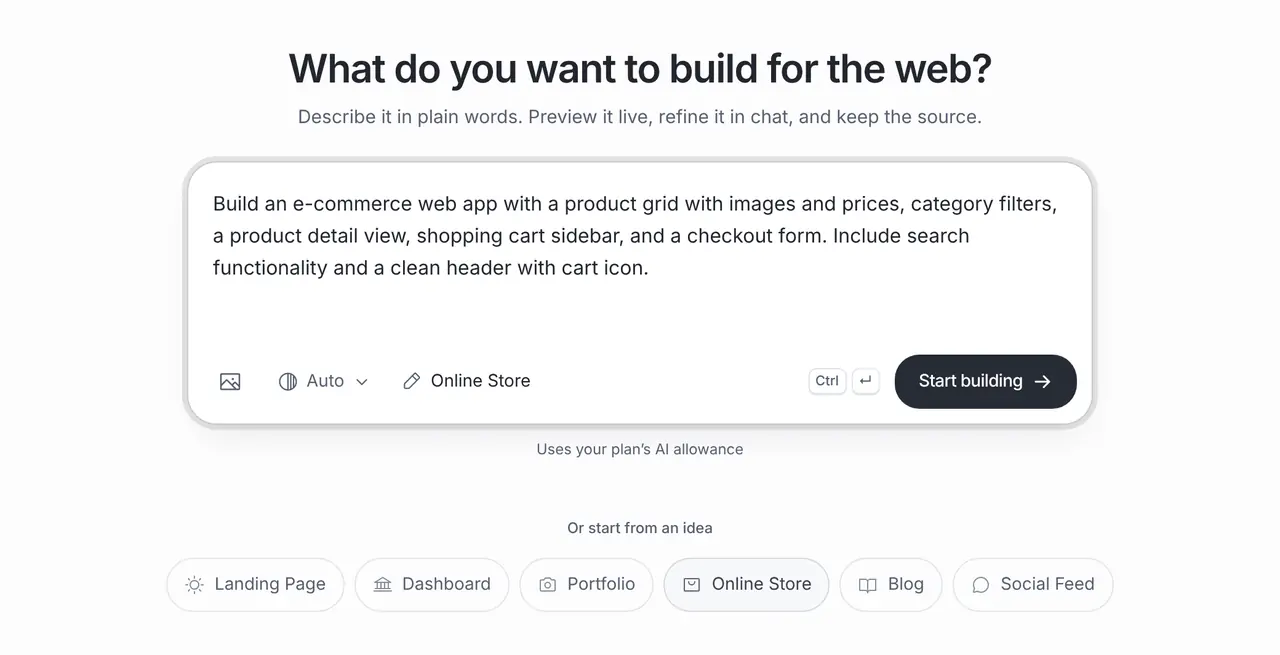
The starting prompt
This is the exact brief behind the one-click Online Store template in Website Maker.
Build an e-commerce web app with a product grid with images and prices, category filters, a product detail view, shopping cart sidebar, and a checkout form. Include search functionality and a clean header with cart icon.How to use this template
Open it in the builder
Press Use this template. The prompt opens in Website Maker’s composer, ready to edit; nothing is built until you press Start.
Make the brief yours
Name your shop and list your real categories and five or six products with prices, so the grid and filters match what you sell.
Build, preview and refine
Website Maker builds the first version and shows a live preview. Ask for changes in chat, from new sections to colours and copy; each build and change uses your plan allowance.
Publish
Every published site gets a public brainbaby.ai/site-preview link anyone can open without an account; publish again to update it. On a paid plan you can connect your own domain: add a CNAME to sites.brainbaby.app and a TXT record to verify it, and HTTPS is set up automatically.
Customisation tips
Keep the first catalogue small
Start with your best-selling products. A small, accurate shop is easier to test end to end than a large one with placeholder items.
Decide how you take payment first
Choose a payment provider before you build the checkout, and tell the builder which one, so the form collects what that provider needs.
Write delivery and returns down
Ask for a short delivery and returns section. Shoppers look for it before they buy, and it is often a legal requirement.
Test a full order on a phone
Most shoppers browse on phones. Add to cart, change a quantity and reach the checkout on a phone before you share the link.
Frequently asked questions
Can I take payments with this store?
Not through Brainbaby. The template builds the storefront and checkout form; you connect a payment provider in the project code and test it before taking real orders.
Can it keep track of stock and orders?
The interface can show stock and order screens. Keeping them correct needs a database, such as a Supabase project you connect, and testing of every order step.
Should I use this or a hosted shop platform?
This suits a small catalogue, a test of demand or a store with a custom look. If you need inventory sync, taxes in many regions and shipping labels from day one, a hosted shop platform does more out of the box.