Website template · Website Maker
Portfolio website template
Show your best work quickly and make it easy to hire you. This template asks for a hero with your name and discipline, a project gallery, an about section with skills and a contact form. Open it in Website Maker, replace the placeholder projects with your own and share the published link with clients.
Free to browse. The prompt fills the builder’s composer after you sign in; nothing is built until you press Start, and building uses your plan allowance.
Who it’s for
- Designers, illustrators and photographers looking for clients
- Developers who want one page that links their best projects
- Students building a first portfolio for applications
Sections included
Hero with name and title
Your name, what you do and where you are based, in one line a client can repeat to someone else.
Project gallery with hover effects
A grid of projects with a cover image, a title and the kind of work it was. Hover shows a short description.
About section with skills
A short paragraph about how you work, the tools you use and the kinds of projects you take on.
Contact form
Name, email and message fields. Connect it to a form service or your own backend so messages actually reach you.
Smooth scrolling navigation
A small header that jumps to Work, About and Contact, so the page stays one easy scroll.
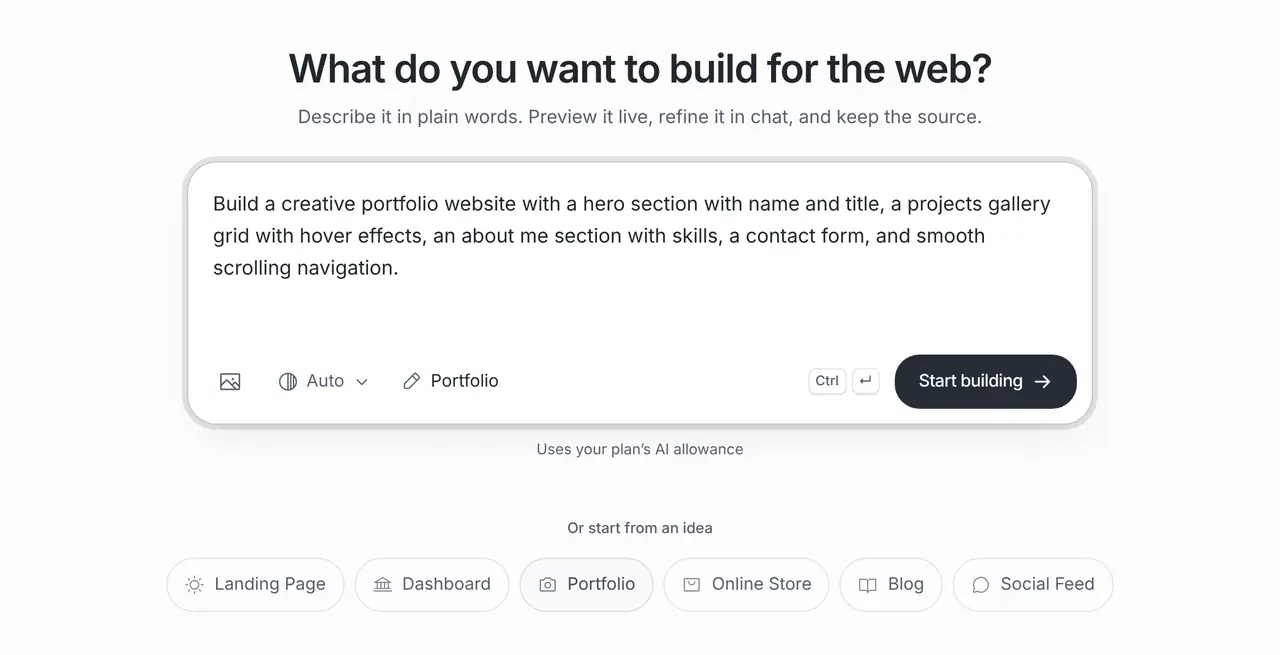
The starting prompt
This is the exact brief behind the one-click Portfolio template in Website Maker.
Build a creative portfolio website with a hero section with name and title, a projects gallery grid with hover effects, an about me section with skills, a contact form, and smooth scrolling navigation.How to use this template
Open it in the builder
Press Use this template. The prompt opens in Website Maker’s composer, ready to edit; nothing is built until you press Start.
Make the brief yours
Add your name, your discipline and the titles of four to six real projects, so the gallery is built around work you can show.
Build, preview and refine
Website Maker builds the first version and shows a live preview. Ask for changes in chat, from new sections to colours and copy; each build and change uses your plan allowance.
Publish
Every published site gets a public brainbaby.ai/site-preview link anyone can open without an account; publish again to update it. On a paid plan you can connect your own domain: add a CNAME to sites.brainbaby.app and a TXT record to verify it, and HTTPS is set up automatically.
Customisation tips
Show fewer, stronger projects
Six projects you are proud of beat twenty you would rather not explain. Lead with the work closest to what you want to be hired for.
Give each project a sentence of context
Say what the brief was and what you did. Clients hire for judgement, and a one-line story shows it better than an image alone.
Use images you have the rights to
Upload your own images or exports. Check client agreements before showing work under NDA.
Make contact the obvious next step
Ask for a contact link in the header and at the end of the gallery, and say what kinds of projects you are available for.
Frequently asked questions
How do I add my own projects?
Describe them in the brief before you build, then ask in chat to replace the placeholder images and text. You can upload images as references and edit the copy in the builder.
Will the contact form send me emails?
Only once it is connected. The template builds the form; route it to a form service or a Supabase project you own and send yourself a test message before you share the link.
Can I share it before I have a domain?
Yes. Publishing gives you a public brainbaby.ai/site-preview link that anyone can open without an account, on any plan that includes Website Maker. On a paid plan you can later connect your own domain to the same site.