Mobile app template · App Builder
Social media app template
The core of a social app: a feed of image posts, a stories carousel, profiles with follower counts, likes and comments, a messaging screen and a compose button. Open it in the App Builder to see the screens in a phone frame, then decide what makes your network different.
Free to browse. The prompt fills the builder’s composer after you sign in; nothing is built until you press Start, and building uses your plan allowance.
Who it’s for
- Founders exploring a niche social network
- Brands and creators building an app around their audience
- Students learning how social apps are structured
Screens included
Feed
Image posts with author, caption, likes and comments, loading more as you scroll.
Stories carousel
A row of story avatars at the top of the feed that open full-screen stories.
Profiles
Profile pages with photo, bio, follower and following counts and a grid of posts.
Messaging
A conversation list and chat screen with message bubbles.
Compose
A floating button to create a post with an image and caption.
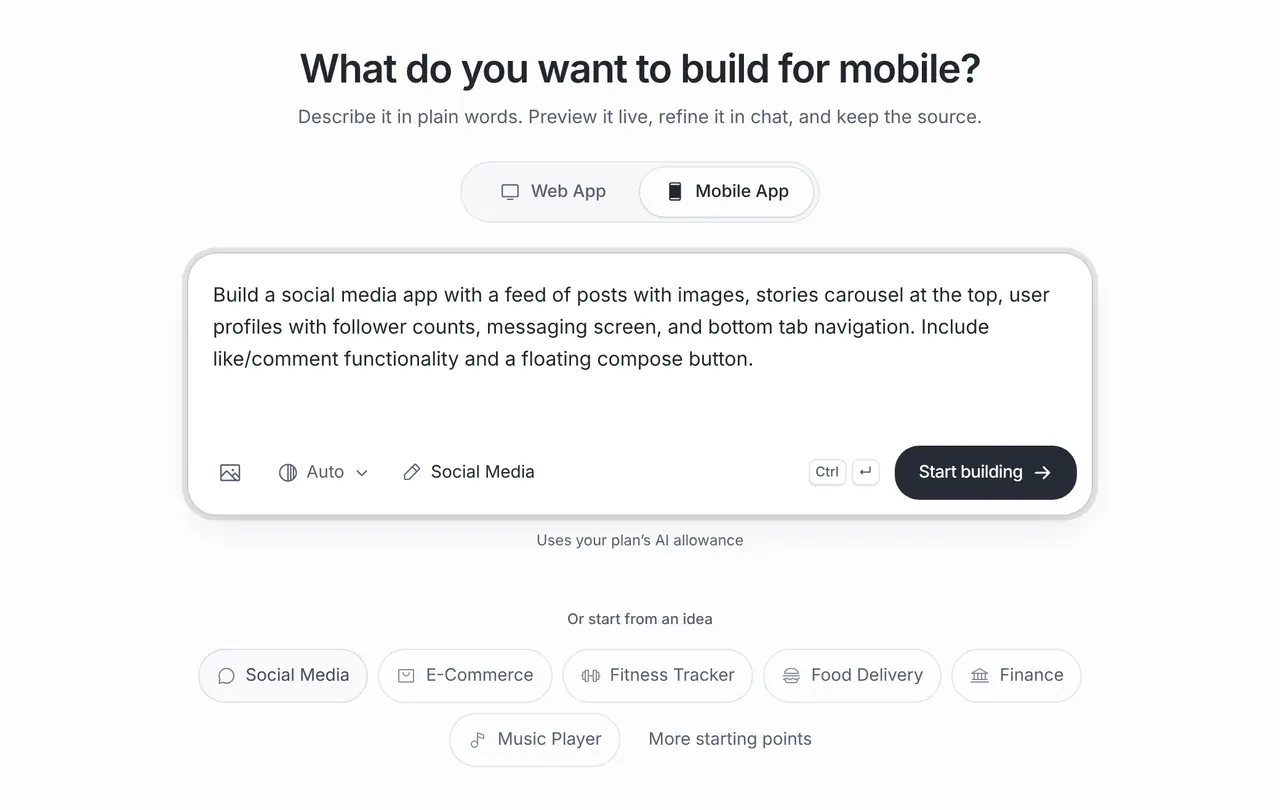
The starting prompt
This is the exact brief behind the one-click Social Media template in App Builder (Mobile App).
Build a social media app with a feed of posts with images, stories carousel at the top, user profiles with follower counts, messaging screen, and bottom tab navigation. Include like/comment functionality and a floating compose button.How to use this template
Open it in the builder
Press Use this template. The prompt opens in the App Builder’s composer, ready to edit; nothing is built until you press Start.
Make the brief yours
Describe who the network is for and what people share there, such as climbers sharing routes, so the feed and profiles fit that community.
Preview and test on your phone
The App Builder generates a React Native app with Expo and shows it in a phone frame. Scan the QR code with Expo Go to try it on your own iPhone or Android phone, then refine it in chat.
Export or release
Download the code or push it to GitHub. When you are ready, the store release help prepares the project for the App Store and Google Play, submitted through your own developer accounts.
Customisation tips
Start with a niche
General social networks need millions of people. A focused one, for a hobby, school or neighbourhood, can work with a few hundred.
Plan moderation before launch
Ask for reporting and blocking from the first version. App stores require them for apps with user-generated content.
Accounts and posts need a backend
Sign-in, posts and messages are shared data. Connect a backend such as Supabase and set access rules before real people join.
Keep messaging for later
Direct messages add privacy and abuse questions. Launching with public posts and comments first is often simpler.
Frequently asked questions
Can people sign up and post for real?
Yes, once you connect a backend for accounts and storage, such as a Supabase project you own. Until then the screens show sample data.
What do app stores require for social apps?
Apple and Google expect a way to report content, block users and remove objectionable posts. Ask for these features and describe your moderation in the store listing.
Is there a web version of this template?
The App Builder has a separate Social Feed template for web apps. This page uses the mobile Social Media template.