Mobile app template · App Builder
Food delivery app template
A multi-restaurant delivery app: a home screen of nearby restaurants with ratings, menus by category, a cart where items can be customised and an order tracking screen. Open it in the App Builder, preview it on a phone frame and test it on your own phone with Expo Go.
Free to browse. The prompt fills the builder’s composer after you sign in; nothing is built until you press Start, and building uses your plan allowance.
Who it’s for
- Founders prototyping a local delivery marketplace
- Restaurant groups with several brands or locations
- Students and teams practising a full ordering flow
Screens included
Home with nearby restaurants
Restaurant cards with photo, cuisine, rating and delivery time, with search and cuisine filters.
Restaurant and menu
A restaurant page with menu categories and dishes, each with a photo, price and description.
Cart with item options
Choose sizes, extras and notes, adjust quantities and see the total before checkout.
Order tracking
A status timeline from confirmed to delivered, ready to connect to real updates.
Bottom tab navigation
Tabs for Home, Search, Orders and Account.
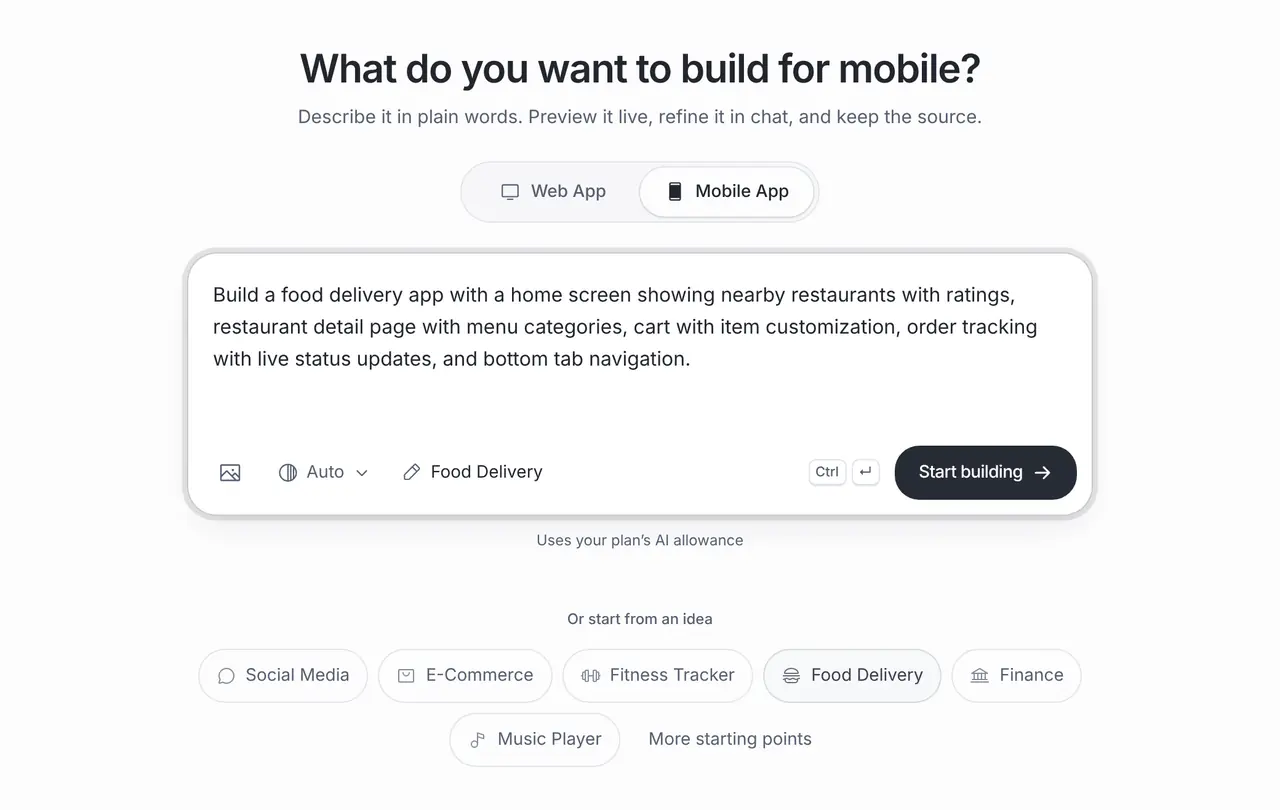
The starting prompt
This is the exact brief behind the one-click Food Delivery template in App Builder (Mobile App).
Build a food delivery app with a home screen showing nearby restaurants with ratings, restaurant detail page with menu categories, cart with item customization, order tracking with live status updates, and bottom tab navigation.How to use this template
Open it in the builder
Press Use this template. The prompt opens in the App Builder’s composer, ready to edit; nothing is built until you press Start.
Make the brief yours
Name the city or the restaurants you will start with and how delivery works there, so menus and statuses fit a real service.
Preview and test on your phone
The App Builder generates a React Native app with Expo and shows it in a phone frame. Scan the QR code with Expo Go to try it on your own iPhone or Android phone, then refine it in chat.
Export or release
Download the code or push it to GitHub. When you are ready, the store release help prepares the project for the App Store and Google Play, submitted through your own developer accounts.
Customisation tips
Prototype one city, one flow
Delivery apps have three sides: customers, restaurants and couriers. Start with the customer app and handle the other sides by hand at first.
Plan payments before checkout
Brainbaby does not process payments. Choose a provider that supports your market and add it to the brief.
Live status needs a backend
Order tracking shows sample statuses until it reads real ones. Connect a database, such as Supabase, that restaurants or couriers update.
Design for one hand
People order on the go. Keep the Add and Checkout buttons within reach of a thumb and test on your own phone.
Frequently asked questions
Can customers pay in the app?
Yes, once you connect a payment provider. Brainbaby does not process payments; the app needs your provider’s SDK, and store rules apply to how you take payment.
Do restaurants get their own app?
Not in this template. Restaurants usually need a separate dashboard; ask the builder for a web app that reads the same orders from your database.
How is this different from the restaurant ordering template?
This template lists many restaurants with delivery. The restaurant ordering template is for a single restaurant’s customers ordering ahead or for pickup.