Mobile app template · App Builder
Fitness tracker app template
A React Native app for logging workouts and seeing progress: today’s stats on a dashboard, a workout log with exercise cards, progress charts and daily goals with circular indicators. Open it in the App Builder, preview it in a phone frame and scan a QR code to try it on your own phone with Expo Go.
Free to browse. The prompt fills the builder’s composer after you sign in; nothing is built until you press Start, and building uses your plan allowance.
Who it’s for
- Personal trainers who want an app for their clients
- Gyms and studios testing a members app
- People building a tracker for their own training
Screens included
Dashboard
Today’s steps, calories and active minutes at a glance, with a shortcut to start a workout.
Workout log
Exercise cards with sets, reps and weight, and a history of past sessions.
Progress charts
Charts of volume, frequency or body measurements over weeks and months.
Daily goals
Circular progress indicators for each goal, filling up as the day goes on.
Bottom tab navigation
Tabs for Today, Workouts, Progress and Profile, sized for one-handed use.
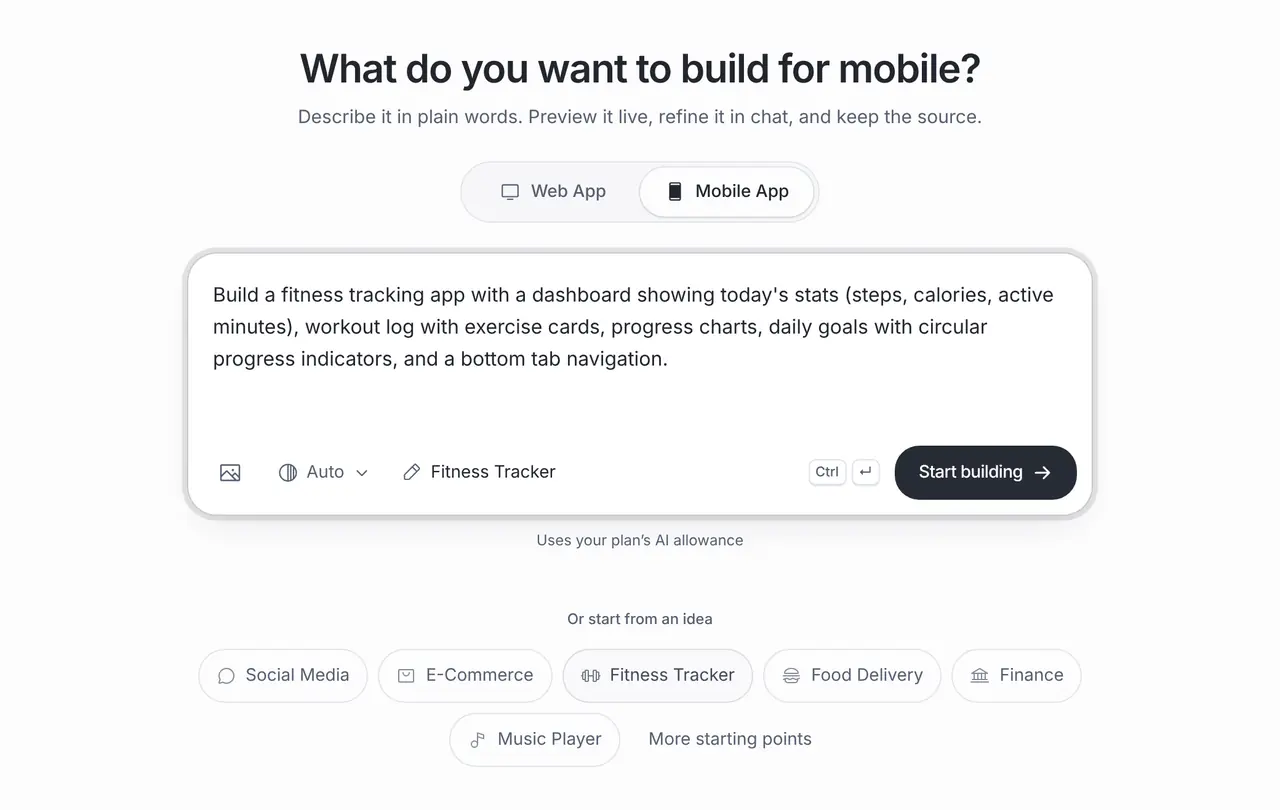
The starting prompt
This is the exact brief behind the one-click Fitness Tracker template in App Builder (Mobile App).
Build a fitness tracking app with a dashboard showing today's stats (steps, calories, active minutes), workout log with exercise cards, progress charts, daily goals with circular progress indicators, and a bottom tab navigation.How to use this template
Open it in the builder
Press Use this template. The prompt opens in the App Builder’s composer, ready to edit; nothing is built until you press Start.
Make the brief yours
Say who the app is for, such as your clients, a running club or yourself, and which workouts they log, so the screens match how they train.
Preview and test on your phone
The App Builder generates a React Native app with Expo and shows it in a phone frame. Scan the QR code with Expo Go to try it on your own iPhone or Android phone, then refine it in chat.
Export or release
Download the code or push it to GitHub. When you are ready, the store release help prepares the project for the App Store and Google Play, submitted through your own developer accounts.
Customisation tips
Pick one kind of training first
Strength, running and yoga log different things. Start with one and add others once the log feels right.
Decide where workouts are saved
A first version can keep data on the phone. For accounts that sync across devices or a coach dashboard, connect a backend such as Supabase.
Treat step counts as an integration
Reading steps from Apple Health or Health Connect needs native permissions and testing on real devices. Ask for it explicitly.
Test on your own phone early
Scan the QR code with Expo Go after the first build. Logging a set mid-workout shows quickly what is too small or too slow.
Frequently asked questions
Can the app read steps from Apple Health?
It can, but health data needs native permissions, clear privacy text and testing on real iPhone and Android devices. Ask for the integration explicitly and check it before relying on it.
Is this the Fitness Tracker template in the App Builder?
Yes. The prompt on this page is the exact brief of the one-click Fitness Tracker template, filled into the App Builder so you can edit it before building.
Can I publish it to the App Store?
Yes, through your own Apple and Google developer accounts. Brainbaby prepares the Expo project and helps with the release steps; the stores review every app and approval is not guaranteed.